Shredder UI Comparison: Finding Your Security Fit
By Priya Nair • 3rd Feb
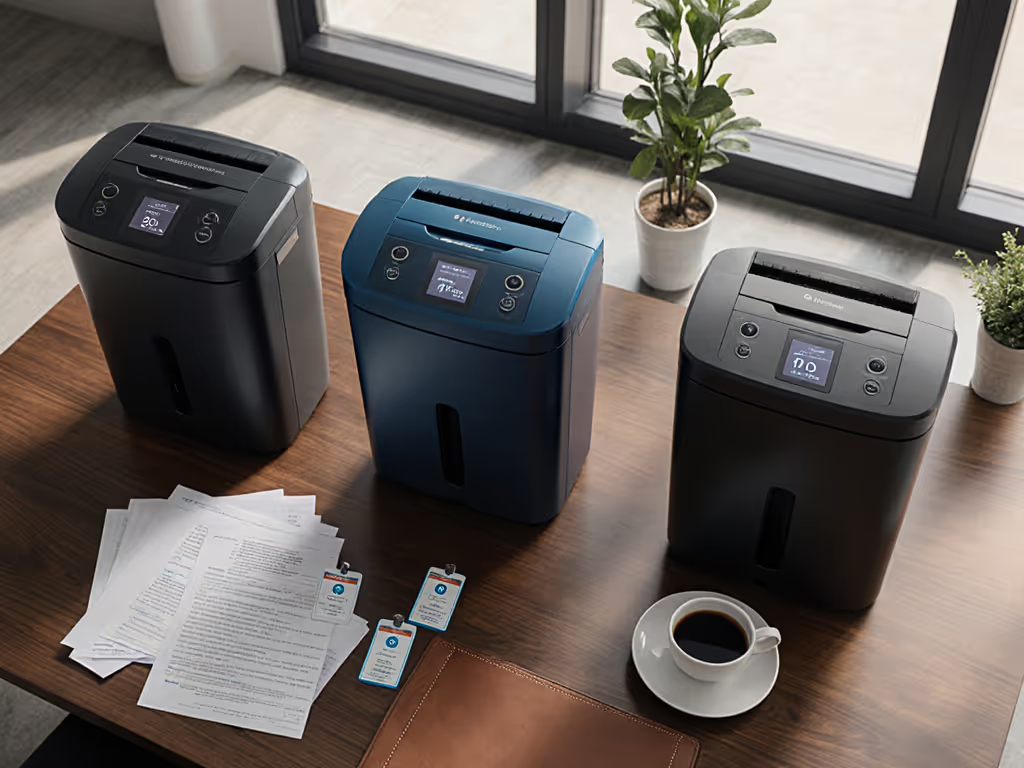
When it comes to document destruction, the shredder user interface comparison that matters most isn't flashy marketing specs (it is how well the machine matches your actual workflow and security needs). After years of translating DIN 66399 cut levels into plain-language implementation for healthcare clinics and law firms, I've learned that document destruction UX directly impacts whether your privacy protocols actually work. Good security isn't loud or dramatic, it is boring by design. The right interface makes secure shredding feel like turning off a light switch: consistent, reliable, and utterly unremarkable in the best possible way.
Why does shredder UI matter for security?
Most people think shredder security is just about cut levels, but poor user interfaces undermine even the most sophisticated DIN classifications. In my experience, when interfaces confuse users or create friction, they skip steps that compromise the entire chain-of-custody process.
Consider this: a machine with a confusing control panel might lead staff to:
- Skip logging important destruction sessions
- Avoid shredding sensitive documents because the process feels "too complicated"
- Misinterpret security levels, leading to inappropriate cut levels for the document sensitivity
During a clinic records audit early in my career, our shred policy was the audit's easiest section (we had mapped document categories to DIN levels, labeled bins clearly, and implemented simple logging). The auditor nodded, moved on, and that's when I realized: Privacy is a process, not a product. Great security feels invisible precisely because the interface removed friction.
How do different security levels map to interface needs?
P-1/P-2 (low security) for home use
Low-sensitivity documents like general flyers or grocery receipts typically require basic strip-cut (DIN level 1 or 2). Home users need simple interfaces that:
- Offer one-touch operation with clear visual indicators
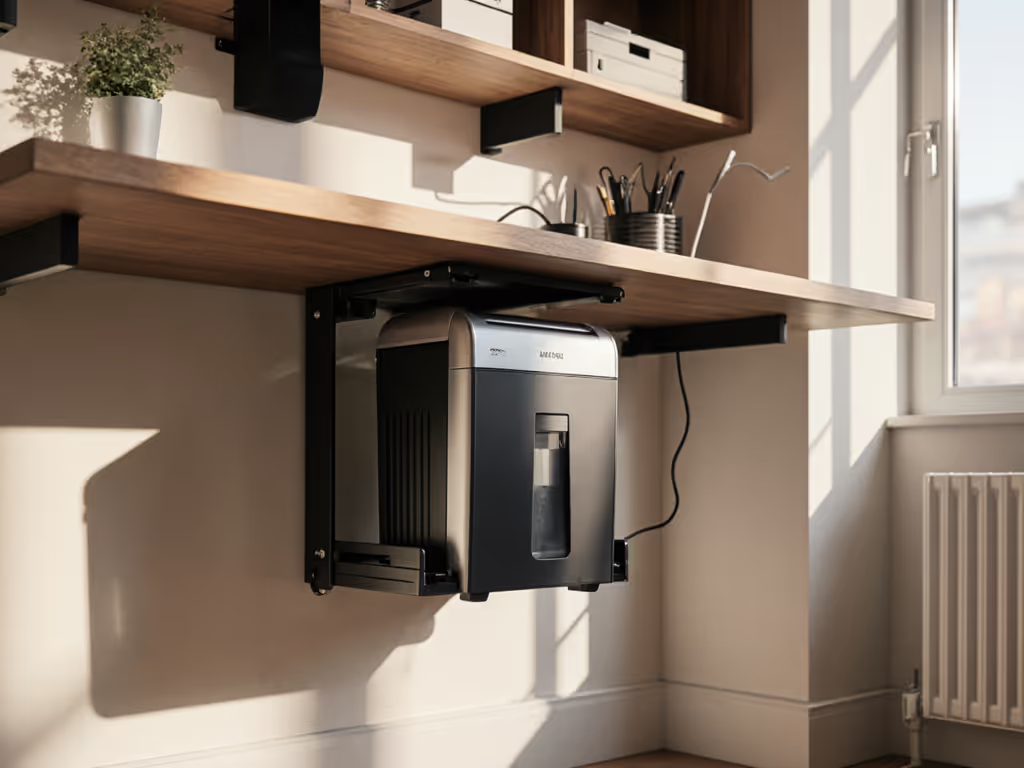
- Include small footprint designs that fit under desks
- Provide audible or visual alerts when bins are full

For home shredders, accessibility interface design is crucial (especially for households with elderly users or those with limited mobility). If accessibility is a top concern, see our ADA-compliant shredder guide for models with inclusive controls and accommodations. A push-button interface with large icons requires less dexterity than small switches. Many home models now include child safety locks that double as accessibility features for users with limited hand strength.
P-3/P-4 (medium security) for offices
This is the sweet spot for most businesses handling personal information (DIN level 3 or 4). It requires interface security features that:
- Clearly indicate the security level selected (P-3 vs P-4)
- Include auto-reverse for jam prevention during busy periods
- Feature duty cycle timers that prevent overheating
- Provide plain-language status indicators (not just error codes)
The Fellowes 99Ci demonstrates this well with its SafeSense infrared protection and intuitive P-4 security indicator. For a technical breakdown of these protections, explore our shredder sensor technology explainer. When you're handling client records all day, you need to know at a glance that you're using the right security setting without consulting a manual.
P-5/P-6/P-7 (high security) for regulated materials
For high-risk documents like medical records or financial data (DIN level 5-7), interfaces must prioritize:
- Chain-of-custody documentation features
- Tamper-evident logging capabilities
- Multi-layer security verification
- Clear visual indicators showing successful destruction
Micro-cut shredders require more sophisticated interfaces because the security stakes are higher. A P-5 shredder that turns documents into particles smaller than 30mm² needs verification that the process completed successfully, simply indicating "shredding in progress" isn't enough for compliance.
What interface features actually enhance security?
Touchless controls in practice
Touchless shredding controls aren't just a pandemic-era gimmick, they significantly improve security by reducing physical contact points that could be compromised. When handling sensitive documents, minimizing surface contact maintains chain-of-custody integrity.
Look for:
- Motion sensors that activate when documents are inserted
- Automatic start/stop based on paper feed
- Voice-activated start for hands-free operation
Important note: voice-activated document security only works in controlled environments. In open offices, it could create privacy issues by announcing "shredding financial records" aloud. These features make the most sense in private offices or dedicated shred rooms.
What good error messaging looks like
Early in my career, I watched a clinic manager pull her hair out trying to decipher a shredder's blinking lights. "Is it jammed? Overheated? Bin full?" she asked. Without clear indicators, she skipped shredding sensitive documents until maintenance arrived.
Good shredder UX provides:
- Distinct visual cues for different issues (red light = bin full, yellow = overheating)
- Plain-language error messages (not just "Error 5")
- Simple troubleshooting steps built into the interface
The Aurora AU800MA exemplifies this with its lift-out bin design and clear bin full indicator that doesn't require guessing. In document security, ambiguity creates risk.
How does UI impact chain-of-custody documentation?
The logging dilemma
Most small businesses struggle with chain-of-custody documentation because traditional methods feel like unnecessary paperwork. But when the shredder interface itself handles logging, compliance becomes frictionless.
Look for features that:
- Automatically timestamp destruction events
- Categorize by document type (if applicable)
- Generate simple audit trails that can be exported
For a concise overview of the regulations that require audit trails, read our document destruction compliance guide. One medical practice I worked with implemented a system where staff simply selected "Patient Record" or "Billing Document" on the touchscreen before shredding. The system generated plain-language audit notes that satisfied HIPAA requirements without additional paperwork. Their auditor spent 30 seconds on the shred policy versus the usual 30 minutes.
The home vs. office policy pointers
Home users typically don't need formal chain-of-custody tracking, but simple documentation still matters. Look for home shredders with:
- Monthly shred counters that help estimate volume
- Bin full indicators that prevent overflow and security risks
- Simple resettable counters for personal tracking
The Bonsaii C275-A gets this right with its large window showing bin status and straightforward controls. In home environments where security is less formal, these subtle UI elements create habits that prevent accidental exposure of sensitive information.
What common UI mistakes undermine document security?
Over-engineering the interface
Some manufacturers add features that look impressive but create security risks:
- Complex multi-menu systems that discourage use
- "Smart" features that require internet connectivity (creating new attack vectors)
- Fancy touchscreens that require frequent calibration
Remember: the goal is right-sized security. If your interface requires more training than the actual security protocols, you've missed the mark.
False security indicators
Beware of shredders that claim "P-4 security" but lack visual confirmation that the correct setting is active. I've seen units where the security level indicator resets after each shredding session, forcing users to verify settings repeatedly, a workflow killer that leads to skipped verifications.
The run-time trap
Many manufacturers advertise "continuous run-time" but bury the fact that this only applies at reduced capacity. A shredder claiming "40-minute runtime" might only maintain P-5 security for 10 minutes before downgrading to a less secure cut level to prevent overheating. Good UI design makes these transitions impossible to miss.
Privacy is a process, not a product, this truth becomes evident when interfaces either support or sabotage your security workflow.
Finding your security fit: practical next steps
Rather than chasing the most feature-rich shredder, match your workflow to these critical UI considerations:
- Risk category mapping - What documents do you shred? (Personal receipts vs medical records require different security verification)
- Frequency assessment - How often do you shred? (Daily users need different interfaces than occasional users)
- Space constraints - Where will it live? (Under-desk models need different controls than dedicated shred stations)
- User capabilities - Who operates it? (Consider accessibility needs for different users)
The most secure shredder is the one you actually use correctly every time. Resist the temptation to overbuy security features you won't use consistently. Match the document risk to the shred, not the hype.
For those needing deeper technical guidance, I've compiled a plain-language DIN 66399 reference guide that maps document types to appropriate cut levels without the compliance jargon. It's perfect for small teams who need clear, actionable guidance rather than regulatory legalese. Sometimes the most boring security solution is precisely what makes your privacy program resilient (consistent, predictable, and utterly unremarkable in the best way possible).

Related Articles