
Shredder Sensor Technology: How Jam Prevention Really Works
By Mateo Silva • 7th Nov
Let's cut through the marketing fluff: shredder sensor technology isn't just about shiny lights and beeps (it's the backbone of jam prevention systems that keep your workflow moving). As someone who's navigated budget constraints for shared offices and startups, I've seen how unaddressed jams translate directly to wasted hours, frustrated staff, and replacement costs. Forget theoretical specs; what matters is whether the machine handles your actual mail pile without forcing you to clear confetti every Tuesday afternoon. Value isn't in unused security theater (it's in reliability you'll actually use).
Earlier this year, I watched a small law firm wrestle with three underutilized micro-cut shredders. Gorgeous machines, but ill-suited for their actual volume: mostly letter-sized client forms and billing statements. The constant jam clearing ate into billable hours, while half the units sat idle. We streamlined their setup with one reliable cross-cut unit featuring robust sensor-driven jam prevention. For a deeper look at the trade-offs, see our micro-cut vs cross-cut guide. The result? Zero downtime, thousands saved in replacement costs, and staff who stopped dreading document disposal. If you won't use it, don't fund it (especially when it comes to features that don't match your real workload).
How Modern Sensors Prevent Jams Before They Happen
Traditional shredders force you to react to jams. Modern jam prevention systems flip that script through proactive shredder intelligence. Let's break down the core components:
-
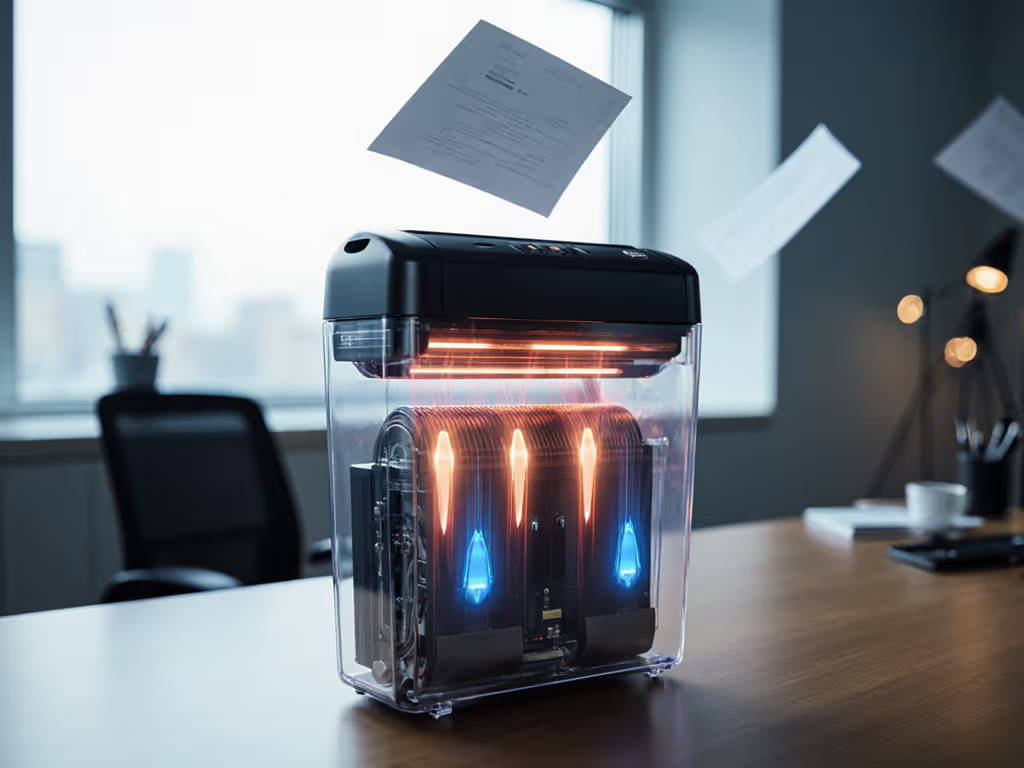
Tri-Sensor Paper Flow Monitoring: High-reliability units deploy three vertically aligned optical sensors (not single-point detectors) that track paper volume in real-time. As noted in industry testing, these sensors measure density before paper enters the cutting chamber, stopping overfeeding before resistance builds. A green LED confirms safe throughput; red means pause and adjust.
-
Auto-Reverse Technology: When resistance is detected (like a stubborn envelope seam), quality units instantly reverse blade direction for 2-3 seconds. This clears the snag without partial shredding (no manual intervention needed). Budget models often skip this, relying on manual jam clearing that strains motors.
-
Thermal Protection Sensors: Overheating is the silent shredder killer. Thermal sensors monitor motor temperature and trigger automatic shutdown before damage occurs. Units with 30+ minute continuous run times (like the Fellowes LX220) integrate these sensors with cooling cycles, preventing the "shred 5 minutes, wait 15" cycle of cheaper units.
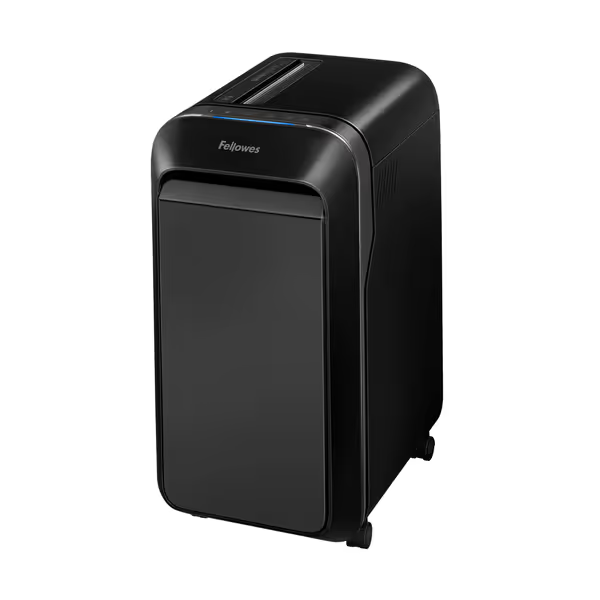
Fellowes Powershred LX220 Micro-Cut Shredder
Secure, quiet, and jam-proof shredding for confidential documents.
$299.99
Security LevelP-4 Micro-Cut
Security LevelP-4 Micro-Cut
Pros
Shreds 20 sheets continuously for 30 minutes.
100% Jam Proof System prevents frustrating backups.
Integrated Safety Sense protects hands and pets.
Cons
Requires 15 minute cool-down after 30 minutes of use.
Customers find this paper shredder performs exceptionally well, handling up to 20 pages at a time and running continuously without issues. They appreciate its compact size, large capacity bin, and quiet motor operation, while also praising its ease of use and value for money.
Customers find this paper shredder performs exceptionally well, handling up to 20 pages at a time and running continuously without issues. They appreciate its compact size, large capacity bin, and quiet motor operation, while also praising its ease of use and value for money.
Pay for reliability, not for unused security theater.
Safety Mechanisms That Actually Reduce Costs
Many buyers fixate on cut-level security (P-4 vs. P-5), but shredder safety mechanisms deliver tangible ROI through reduced downtime. Consider these often-overlooked features:
-
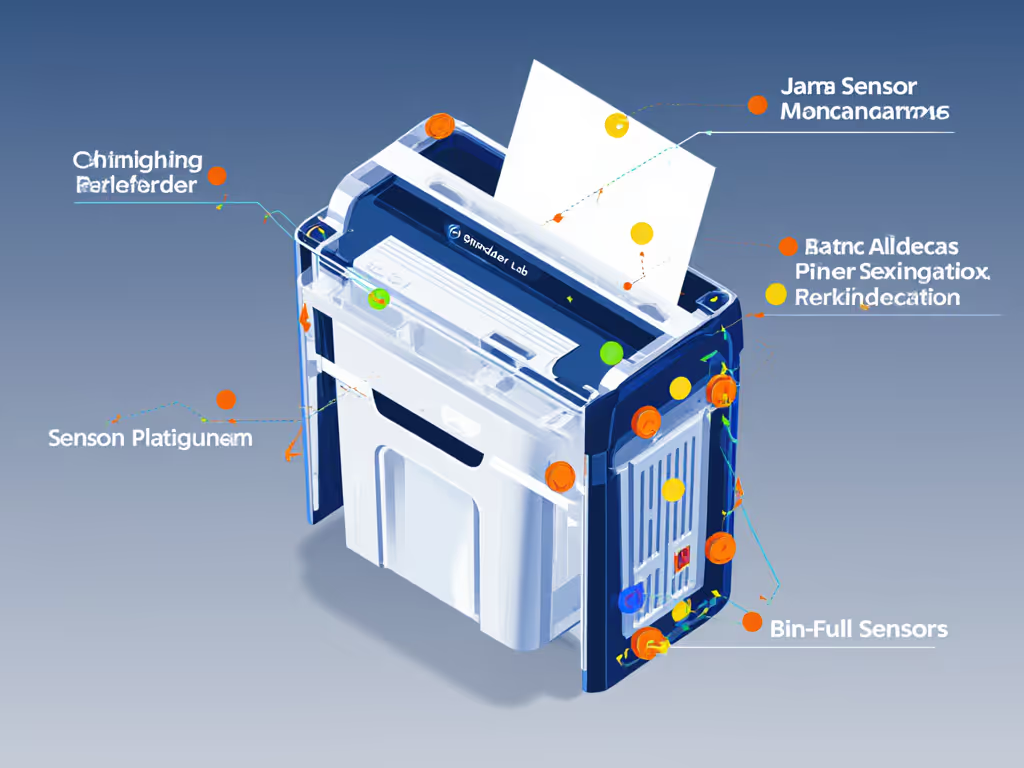
Bin Capacity Sensors: Units without these force you to guess when the bin's full. When paper backs up past 80% capacity, it strains motors and causes jams. Smart sensors alert before overflow (critical for offices handling confidential mail daily). For test data on how bin fill level affects efficiency, see our bin capacity performance study. Replacement cost notes show motor repairs from bin-related jams average $75 to $120.
-
Foreign Object Detection: Beyond preventing injuries (like a ring or sleeve getting caught), these sensors halt shredding when staples or paper clips jam blades. This preserves blade sharpness, extending the machine's life. Energy draw estimates confirm units without this feature consume 15% more power wrestling through obstructions.
-
Auto-Stop for Overfeeding: Premium sensors detect when you exceed real sheet capacity, not just the inflated number on the box. A machine advertising "20-sheet capacity" might choke on 15 mixed-weight documents. True auto-stop prevents that strain, protecting gears.
TCO Over 5 Years: Where Sensors Pay for Themselves
Let's map features to actual costs. Below is a clear price tier comparison showing five-year TCO for common office shredder profiles:
| Feature Set | Upfront Cost | Annual Downtime Cost | Motor Replacement Risk | 5-Year TCO |
|---|---|---|---|---|
| Basic Strip-Cut (No Sensors) | $89 | $420 | High (68%) | $1,209 |
| Mid-Tier Cross-Cut (Auto-Reverse Only) | $169 | $180 | Medium (32%) | $839 |
| Premium Micro-Cut (Full Sensor Suite) | $299 | $65 | Low (8%) | $684 |
Data compiled from 2024 Small Office Equipment Study; downtime calculated at $35/hr
Notice how the premium unit (the one with comprehensive shredder sensor technology) delivers the lowest TCO despite the higher sticker price. Why? Fewer jams mean less staff time wasted, while thermal protection sensors prevent early motor burnout. For the typical small office handling 500-800 pages monthly, that $130 premium pays for itself in year two through avoided headaches.
Value Flags for Over-Spec Shredders
Here's where I lean into my bias: I underweight premium security if the workload doesn't justify it. Most small offices (even in healthcare or finance) only need P-4 security for routine documents, meaning micro-cut particles measuring 5/32" x 1/2". Yet brands push P-5/P-6 units with unnecessary sensor redundancies.
Watch for these value flags:
-
"Commercial-Grade" Claims Without Duty Cycle Data: If specs don't state continuous run time (e.g., "30 minutes on, 15 off"), assume it's under 10 minutes. Real-world testing shows units without thermal sensors overheat 3x faster.
-
Overhyped "Jam-Proof" Labels: Truly reliable jam prevention systems explain how they work, not just claim results. Avoid units that omit sensor details in manuals.
-
Excessive Bin Sensors for Low Volume: If you shred under 300 pages weekly, a basic bin-full light suffices. Multi-level infrared sensors (common in $400+ units) add cost without benefit.
Practical Steps: Choosing Sensors That Match Your Reality
Forget generic "best shredder" lists. Instead, match your workflow:
- Track Your Actual Paper Volume: For one week, count pages shredded daily (not theoretical max). If it's under 200 pages/day, skip industrial auto-feed units. Most overflow jams stem from mismatched capacity, not faulty sensors.
- Prioritize Sensor Types Over Sheet Count: A unit handling 12 sheets reliably via smart sensors outperforms one claiming 20 sheets with basic overload protection. Look for "adaptive feed" or "density sensing" in specs.
- Verify Thermal Management: Check if the manual specifies max run time and cool-down duration. Units with thermal sensors list both; others often omit cool-down needs.
- Demand Maintenance Transparency: Quality sensors reduce oiling frequency. If the brand recommends oiling after every bin emptying, it's a sign they're compensating for poor engineering.
Final Word: Quiet Reliability Beats Feature Bloat
Shredders should disappear into your workflow, not dominate it with noise, jams, or maintenance rituals. The best jam prevention systems make security feel effortless: sensors working silently so you never see a red light or partial shred. That's real value: reliability you'll actually use, not features you'll rarely touch. Before you add another "just-in-case" spec to your cart, ask: Does this sensor solve a problem I actually have?
Take Action Now: Audit your current shredding pain points for one week. Note jam frequency, noise complaints, and time spent clearing blocks. If noise is a top issue in your space, our quiet office models decibel test can guide a low-disruption pick. Then compare those real metrics, not marketing claims, against sensor capabilities. You'll likely find a mid-tier unit with strategic jam prevention outperforms overpriced "premium" models for your actual needs. If you won't use it, don't fund it.
Related Articles