
Seamless Cloud Document Shredder Workflows: Google vs Dropbox
By Priya Nair • 4th Jan
When your digital document workflow involves printing sensitive files from cloud storage, cloud shredder integration becomes critical for compliance. But few discuss how Google Drive and Dropbox's underlying architectures impact your physical document destruction process. For privacy-conscious teams managing HIPAA or GLBA data, the wrong cloud choice can create chain-of-custody gaps between digital access and paper shredding. For a deeper dive into the legal requirements for document destruction, see our compliance guide covering HIPAA, FACTA, and GDPR. Let's cut through the noise.
Why Cloud Storage Choices Affect Physical Shredding Compliance
Google Drive and Dropbox aren't just storage buckets, they are the starting point of your document lifecycle. When printed files enter the physical shredding queue, their cloud origin determines audit trail reliability. Digital-physical workflow integration failures often stem from how these platforms handle metadata, versioning, and access logs. Miss this step, and your shredder policy becomes a compliance liability.
Right cut, right place, every time.
Q: How does cloud sync behavior impact shredding chain-of-custody?
Dropbox's block-level sync versus Google Drive's full-file approach creates tangible shredding workflow differences. When you edit a financial report in Dropbox, only changed blocks sync, preserving precise version timestamps. Google Drive re-uploads the entire file, potentially blurring when sensitive content was last modified pre-printing. During audits, I've seen teams scramble because Google's version history (limited to 30 days in free plans) couldn't prove when a printed document became obsolete.
Dropbox document destruction benefits from granular audit trails: expiration dates on shared links, password-protected access logs, and longer file recovery windows. For medical records printed from cloud storage, this means clearer proof of when documents entered the shredding queue. One clinic I advised switched from Google Drive after their auditor questioned why shredded patient forms matched unversioned Google Docs timestamps. The fix? Mapping cloud activity logs to DIN 66399 cut levels (P-4 for most printed financial records, P-5 for medical forms) with timestamps matching shredder pickup logs.
Q: Which platform better supports shredding policy documentation?
Google Drive's search strength becomes a liability when proving shredding compliance. Its powerful search indexes all file content (including shredded documents still lingering in Gmail attachments or Photos). During a records audit at a legal firm, we found shredded contracts resurfacing because Google's ecosystem re-injected files from recycled Gmail attachments. Google Drive shredder sync risks were obvious: shared 15GB storage meant sensitive docs lived across Drive, Gmail, and Photos until manually deleted everywhere.
Dropbox offers cleaner separation for physical destruction workflows:
- Dedicated storage space (no Gmail/Photos bleed-through)
- Native file tagging for "pending shredding" status
- Password-protected links that auto-expire pre-printing
I recall a small accounting office whose shredder logs confused auditors, until we showed Dropbox's audit trail showing client tax forms were shared only until printed, then link expired. No drama, just clean chain-of-custody reminders. Match the document risk to the shred, not the hype. If you're choosing between cut types, our micro-cut vs cross-cut guide helps align security level with your policy.
Q: How do upload limits affect high-volume shredding scheduling?
Google Drive's 750GB/day upload cap creates hidden shredding bottlenecks for paper-heavy offices. When teams print hundreds of documents daily (common in real estate or payroll), Google's rate limits delay sync completion, meaning "printed" status might not register until after physical shredding occurs. This breaks audit trails. Conversely, Dropbox's 2TB single-upload limit and no daily cap ensure immediate logging of print-complete status. For sustained throughput planning, see our test of cross vs micro-cut speed in high-volume offices.
For a clinic handling 200+ patient intake forms daily:
- Google Drive's full-file sync caused 2-hour delays in flagging "ready for shredding"
- Dropbox's block-level sync updated metadata the moment printing finished
Result? The clinic reduced "shredding window" gaps from 8 hours to 15 minutes, critical for HIPAA's 60-day disposal rule. Cloud-based audit trails only work when sync speed matches your paper workflow tempo.
Q: Which platform minimizes "zombie document" risks post-shredding?
Google Drive's shared storage ecosystem resurrects shredded files in dangerous ways. Print a W-2 from Google Docs, shred it, but the PDF remains in Gmail attachments or Google Photos backups. Digital-physical workflow integration fails when cloud silos operate independently. We mapped this risk during a credit union's GLBA audit: shredded loan applications were recoverable from Google Photos scans.
Dropbox's clean architecture prevents this:
- No cross-service storage sharing (unlike Google's 15GB bucket)
- Version history extends to 120 days (vs Google's 30-day free tier)
- Native "delete everywhere" command for printed files
For home offices shredding tax documents, this is existential. One accountant avoided identity theft fines by using Dropbox's link expiration to auto-delete client files before they hit the printer tray. Chain-of-custody starts digitally, but ends physically.
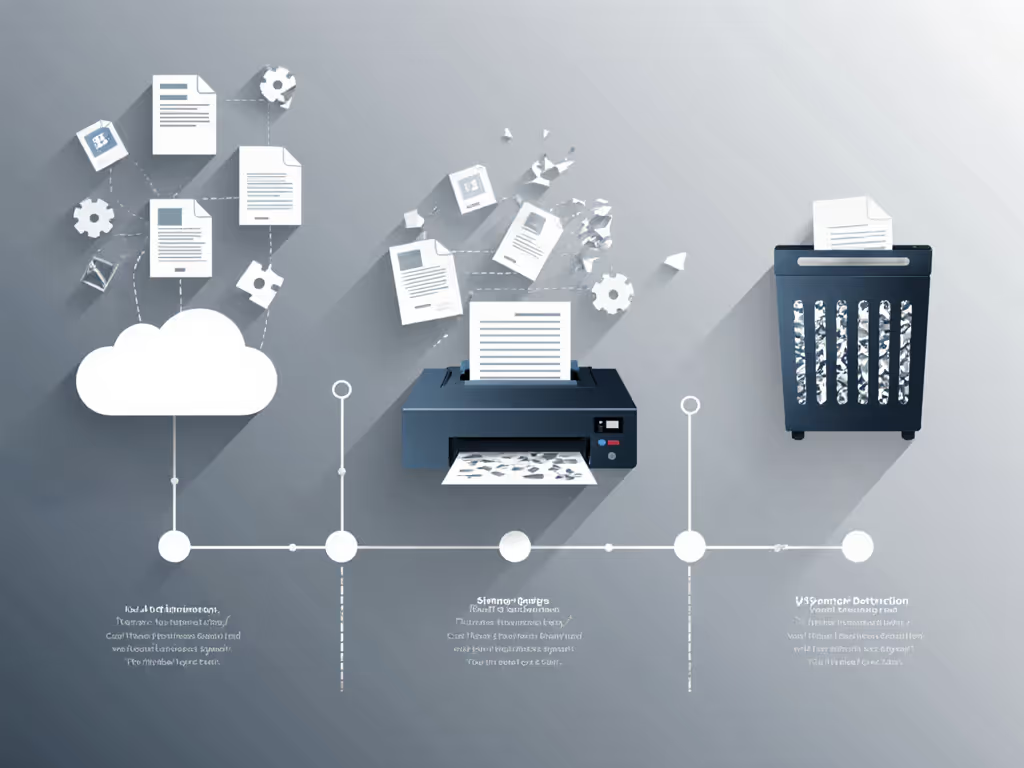
Real-World Workflow Adjustments for Compliance
Home vs. Office Policy Pointers
Solo practitioners using Google Drive should:
- Isolate only shredding-bound documents in a dedicated folder (avoid mixing with active Gmail attachments)
- Manually audit version history before printing, note the timestamp for your shredder log
- Set calendar reminders for 30-day file purges (matching Google's free version history limit)
Small offices using Dropbox gain advantages:
- Use "pending shredding" tags to auto-populate chain-of-custody logs
- Enable link expiration on all sensitive documents pre-printing
- Leverage longer version history (120 days) for audit-proof timelines
{"DIN level spelled out"} matters most when cloud metadata gets messy. A P-3 "cross-cut" shred might suffice for printed marketing materials, but medical records demand P-5 micro-cut and ironclad digital audit trails proving timely destruction.
Risk Category Mapping: Bridging Cloud to Shredder
| Document Sensitivity | Cloud Logging Requirement | DIN Shred Level | Critical Platform Feature |
|---|---|---|---|
| Public brochures | Basic print timestamp | Strip-cut (P-1) | Folder naming conventions |
| Payroll records | Link expiration pre-print | Cross-cut (P-4) | Password-protected sharing |
| Medical forms | Version history >60 days | Micro-cut (P-5) | 120-day file recovery |
| M&A contracts | Real-time sync completion | Particle-cut (P-7) | No daily upload limits |
This risk category mapping prevents overkill. Most small offices need P-4 for 95% of documents, but if your cloud platform can't prove when files were printed, you'll default to paranoid P-5 shredding. Don't let weak sync protocols inflate your cut-level costs.
The Boring (But Essential) Workflow Checklist
Your cloud-to-shredder pipeline needs monotony, not hype. Implement these plain-language audit notes for seamless integration:
- Log print timestamps in a shared sheet at the moment of printing, don't wait for sync completion
- Tag cloud files "PRINTED - AWAITING SHREDDING" immediately post-print
- Cross-reference with physical shredder logs (date, time, DIN level used)
- Purge cloud copies after confirming physical destruction (use Dropbox's 120-day window as buffer)
- Audit quarterly: Print a test file, shred it, verify all digital traces vanish
During a records audit, our shred policy was the easiest win. We'd mapped document categories to DIN levels, labeled bins, and logged pickups. The auditor nodded, moved on, I realized good privacy practice is boring by design. No drama, just the right cut, used consistently.
Final Verdict: It's Not About Storage, It's About Destruction Proof
Google Drive's 15GB free space tempts budget-conscious teams, but its shared storage model and limited version history introduce chain-of-custody risks for physical shredding. Dropbox document destruction workflows shine where compliance matters: block-level sync creates reliable timestamps, native security features prevent "zombie documents," and larger upload limits keep high-volume offices on schedule.
However, cloud shredder integration succeeds only when matched to physical cut levels. Both platforms work if you:
- Treat cloud logs as part of your chain-of-custody (not the whole solution)
- Never rely solely on digital deletion for regulated paper
- Match DIN levels to document sensitivity, not platform marketing
For most privacy-first teams, Dropbox's architecture provides cleaner audit trails. But the real win? Building digital document workflow habits so boring they're bulletproof. Because when auditors see consistent, documented shredding synced to cloud activity logs? They move on to the next department. For immutable verification, explore blockchain-verified audit trails.
Ready to pressure-test your workflow? Run this drill: Print a dummy patient form from your cloud platform. Shred it. Now prove (with timestamps) it's gone from both digital and physical realms. If you can't, redesign before the auditor knocks.