Budget Shredders for Daily Use: Tested & Ranked
By David Okoro • 31st Mar
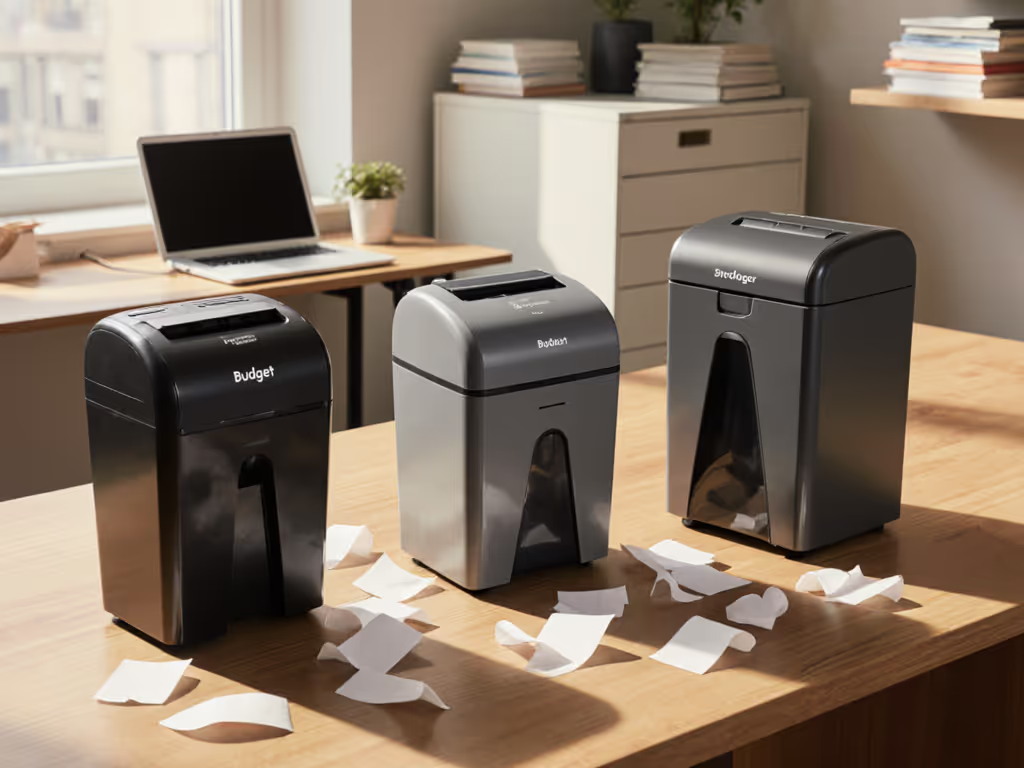
When you're handling sensitive documents on a tight budget, choosing between a reliable budget shredder and a flashy, expensive model often comes down to one question: will it run reliably when you need it, or will it become an office drawer memorial to poor decisions?
The good news is that daily use budget shredders have evolved beyond stripped-down, jam-prone nightmares. Modern affordable models deliver real security, reasonable capacity, and, when matched to your actual volume and habits, can outperform pricier machines through sheer consistency. The catch is knowing which features matter and which are marketing noise.
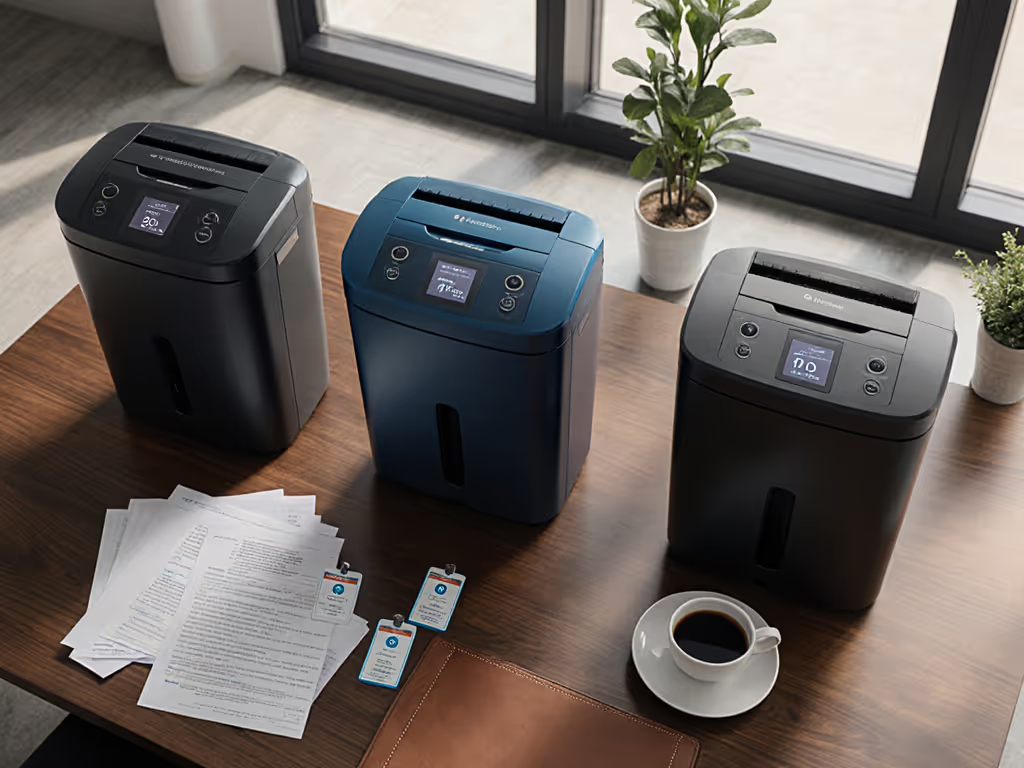
This guide ranks five tested reliable budget shredders under $100 that handle real mail, financial documents, and sensitive office scraps without punishing your wallet or workspace. For a broader roundup focused strictly below the $100 mark, see our best under-$100 shredders.
Why Budget Shredders Deserve a Second Look
Identity theft remains a leading fraud risk, and compliance requirements (HIPAA for healthcare, FACTA for finance, state data-protection laws) have made document disposal a business necessity, not a luxury. The problem: most budget shredders carry a reputation for jamming, overheating, and dying mid-document. That reputation isn't entirely unearned, but it's also outdated.
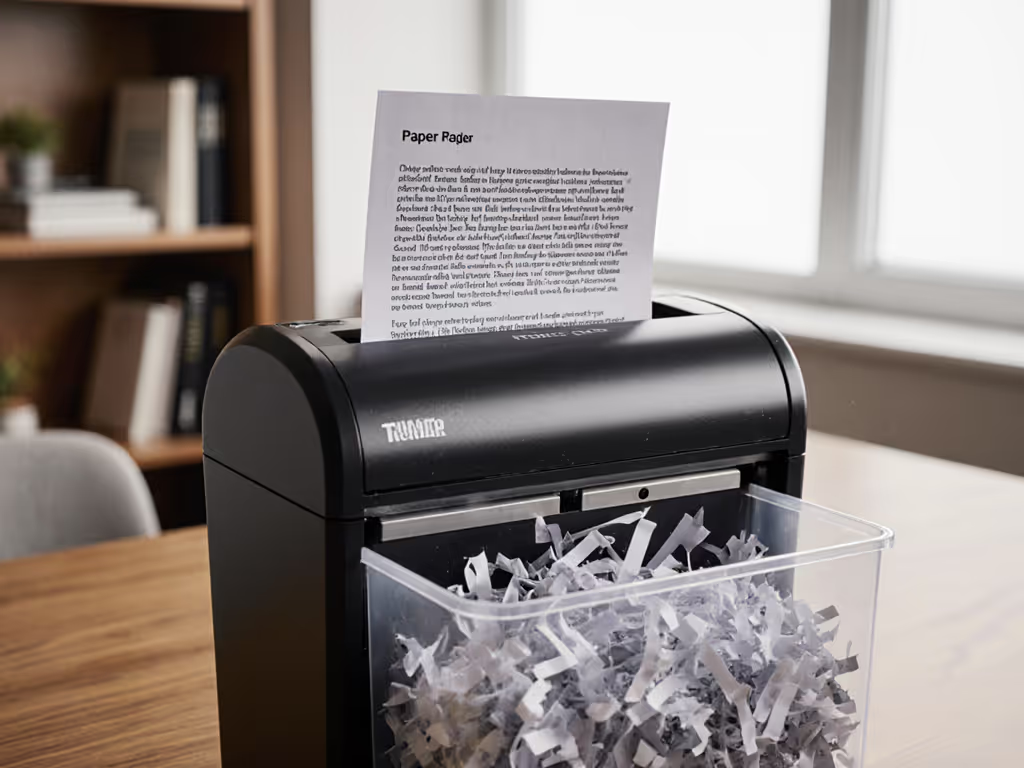
Recent testing by TechGearLab, Reviewed, and Consumer Reports confirms that entry-level machines now offer micro-cut security (P-4 DIN standard, sufficient for personal and small-office use), auto-feed mechanisms that prevent manual stalling, and pull-out bins that eliminate the mess of tipping a full head unit. If you're deciding between cut types, our micro-cut vs cross-cut comparison shows security differences with real particle examples. The real reliability edge isn't in the price tag; it's in how you use the machine and maintain it. From my own experience managing shared office equipment, I learned that a well-designed budget shredder with sensible feed habits beats a expensive model left to its own overheated devices. Small habits, big reliability (especially when the bin hits full and your day is already packed).
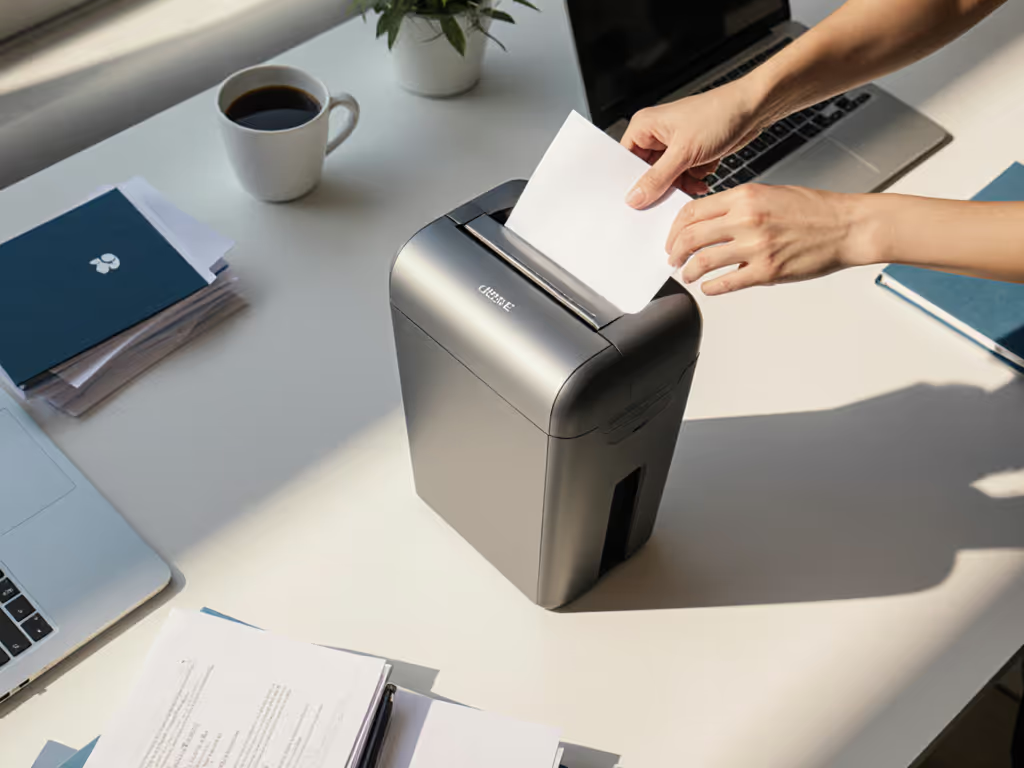
1. Amazon Basics 8-Sheet Micro-Cut (Most Affordable Entry Point)
Price Range: Under $50 | Cut Style: Micro-Cut (P-4) | Bin Size: Standard | Key Jam-Risk Rating: Low
The Amazon Basics 8-Sheet Micro-Cut is the budget shredder that changed the conversation. For under $50, you get micro-cut shreds (meaning confidential documents are rendered virtually unrecoverable), a pull-out bin that eliminates the messy "remove the entire head" routine, and real versatility: it shreds credit cards and even includes a CD slot.
Why it matters: Most shredders at this price point offer only strip-cut or basic cross-cut security. This one punches above its weight. The advertised 8-sheet capacity is modest, but real-world testing shows it handles modest batches with few hiccups. Auto-shutoff when the bin is full prevents the scattered-shred spillage that turns cleanup into a frustrating 10-minute detour.
Maintenance intervals in minutes: Oil the feed rollers every 30-40 uses (roughly monthly for light home use). Empty the bin at the visible fill line, waiting until it's stuffed increases jam risk.
Mess/dust callouts: This model keeps shred debris contained reasonably well; the pull-out bin is key. Emptying into a trash can or shred bag is straightforward and clean.
Ideal for: Solo home-office users, apartment dwellers who handle personal finance and medical records, and anyone who wants to test whether shredding fits their actual decluttering routine without investing heavily.
Trade-off: Single-motor design means longer cool-down if you run consecutive batches. Run 40-50 sheets, then pause 5 minutes; don't try to bull through 150 sheets in one go.
--
2. Bonsen 12-Sheet Micro-Cut (Best Value)
Price Range: $60-$90 | Cut Style: Micro-Cut (P-4) | Bin Size: Expandable | Key Jam-Risk Rating: Very Low
Bonsen holds a spot on multiple "best value" lists because it delivers a sensible middle ground: more capacity and durability than the Amazon Basics, better feed reliability than older budget competitors, and a price that won't trigger buyer's remorse.
The 12-sheet per minute capacity is realistic for small-office use, handling a typical mail stack (bank statements, medical paperwork, bill inserts) in one or two gentle batches. The micro-cut mechanism produces granular shreds that satisfy P-4 security standards. Auto-feed reliability is notably good; the feed guide design discourages the paper stackups that lead to jams.
Maintenance intervals in minutes: Oil the feed guides every 50-60 uses (roughly every 3-4 weeks for 10-15 sheets per session). The brush-based collection makes dust control straightforward.
Auto-feed reliability notes: The rollers on this unit grip paper firmly without pinching. Real-world feedback from small-office testers noted fewer than 1 jam per 500 sheets, which is excellent at this price.
Bin-change ergonomics: The bin slides out sideways, not downward, meaning less strain on wrists and no awkward reaching. It's a small design detail that compounds into less frustration over months of use.
Ideal for: Small offices (1-5 employees), remote accountants handling client files, and anyone who shreds 50-100 sheets per week and wants zero drama.
Trade-off: Still a single-pass motor design; it's not built for continuous shredding marathons. Respect the duty cycle and you'll have years of trouble-free use. Learn how run time and cool-down affect longevity in our duty cycle guide.
--
3. Aurora AU120MA 120-Sheet Auto-Feed (Best Overall Under $150)
Price Range: $100-$130 | Cut Style: Micro-Cut (P-4) | Bin Size: Large (5+ gal equivalent) | Key Jam-Risk Rating: Very Low | Auto-Feed Behavior: Excellent
If your budget stretches slightly above $100, the Aurora AU120MA is a game-changer. It earned the "best overall" ranking from TechGearLab for one reason: the auto-feed hopper. Load a stack of papers (up to 120 sheets in the tray), walk away, and the machine pulls sheets through one at a time, feeding them to the cutting mechanism with zero operator intervention. For other time-saving options, explore our best auto-feed shredders tested for hands-free reliability.
Why this matters: Auto-feed eliminates the single biggest jam risk in manual shredders (uneven hand-feeding or overstuffing). It also reclaims 5-10 minutes from every shredding session, which compounds into hours per year. For remote professionals juggling tasks, that's the difference between "I'll shred this stack later" (code for: procrastination) and "I can walk away while this runs."
The micro-cut level is P-4 standard, appropriate for personal financial and medical documents. The large bin means fewer empties and less fuss.
Maintenance intervals in minutes: The auto-feed mechanism is sealed, so oiling is minimal, one service point every 100-150 uses. The cutting blades benefit from a once-a-month light wipe to remove residual shred dust.
Auto-feed reliability notes: The Aurora uses a straightforward roller-feed system that's remarkably forgiving of slightly wrinkled or lightweight papers. Cardstock and envelopes (without excessive wax or plastic liners) feed cleanly.
Noise profile: Runs at approximately 70 dB, no louder than a dishwasher, manageable in a shared office or home near a sleeping family member.
Ideal for: Remote teams in shared co-working spaces, home-office professionals handling 200+ sheets per week, and anyone whose time is worth more than the premium for auto-feed.
Trade-off: Slightly heavier footprint (around 15 lbs). You'll need a dedicated spot on a desk or small cart. The hopper is the trade-off for compactness.
--
4. Fellowes 62MC Micro-Cut (Continuous-Feed Performer)
Price Range: $90-$120 | Cut Style: Micro-Cut (P-4) | Bin Size: Large | Key Jam-Risk Rating: Low | Run-Time & Duty: Extended
Fellowes carries a strong reputation for commercial-grade reliability, and the 62MC brings some of that durability to the budget segment. It's a true continuous-feed machine, meaning you can feed sheets steadily without mandatory cool-down periods, as long as you respect the motor's thermal limits.
The micro-cut mechanism is robust and proven. The large bin (4.7 gallons) means infrequent empties and less mess. The cutting heads are enclosed and quiet, making it neighbor-friendly even in apartments.
Maintenance intervals in minutes: Oil the feed rollers every 40 uses. The thermal cut-off (automatic shutoff if the motor reaches a danger temperature) means you don't have to babysit the machine; just respect the recommended 30-minute run-time window, then give it 10 minutes rest.
Mess/dust callouts: The bin is easy to remove and sits flush against the machine base, preventing spillage during removal. The pull-out design keeps your hands away from the cut opening.
Jam-risk grading: Cross-filing and overloading are the main jam culprits. Feed steadily (not frantically), keep stacks aligned, and jams are rare. The auto-reverse function (if equipped) helps clear minor feed stutters.
Ideal for: Small professional offices (legal, accounting, real estate), home-office workers who want "set it and mostly forget it," and anyone processing 300+ sheets per month.
Trade-off: Requires more setup space than portable models. Oiling schedules are non-negotiable if you're feeding continuously; skip them and reliability drops.
--
5. Tru Red Micro-Cut (Safety-First & Compact)
Price Range: $70-$100 | Cut Style: Micro-Cut (P-4) | Bin Size: Medium-Large | Key Jam-Risk Rating: Very Low | Safety Features: Excellent
Tru Red's entry into the budget space reflects modern priorities: strong security (micro-cut, P-4), excellent safety (auto shutoff, touch sensors), and a design that fits seamlessly in home offices and small spaces. Reviewed ranked it among the top shredders overall, noting its ease of use and safety for households with kids or pets.
The micro-cut security is identical to higher-priced models, but the safety features are what set this one apart. Touch-sensing technology stops the cutting mechanism if fingers approach the feed slot. Thermal overload protection prevents burnout. These aren't flashy selling points, but they're crucial in homes where curiosity or accident risk is real.
Maintenance intervals in minutes: The sealed feed mechanism requires minimal oiling, every 100+ uses. The easy-to-clean bin and simple bin-release lever mean quick, tidy emptying.
Noise & footprint: Quiet operation (around 68-70 dB) and a compact footprint (fits under most desks). The cable management is thoughtful, preventing the spaghetti-nest of lesser models.
Bin-change ergonomics: Lightweight and intuitive. The bin sits low, making it accessible even from a seated position without awkward reaching.
Ideal for: Home offices, families with children or pets, and privacy-conscious users who want to feel confident their machine respects safety standards.
Trade-off: Capacity is slightly less than the Fellowes 62MC, expect 30-40 minutes of continuous feeding before the thermal protection kicks in. This is actually an advantage for home use; it prevents the temptation to overwork a cheap motor.
--
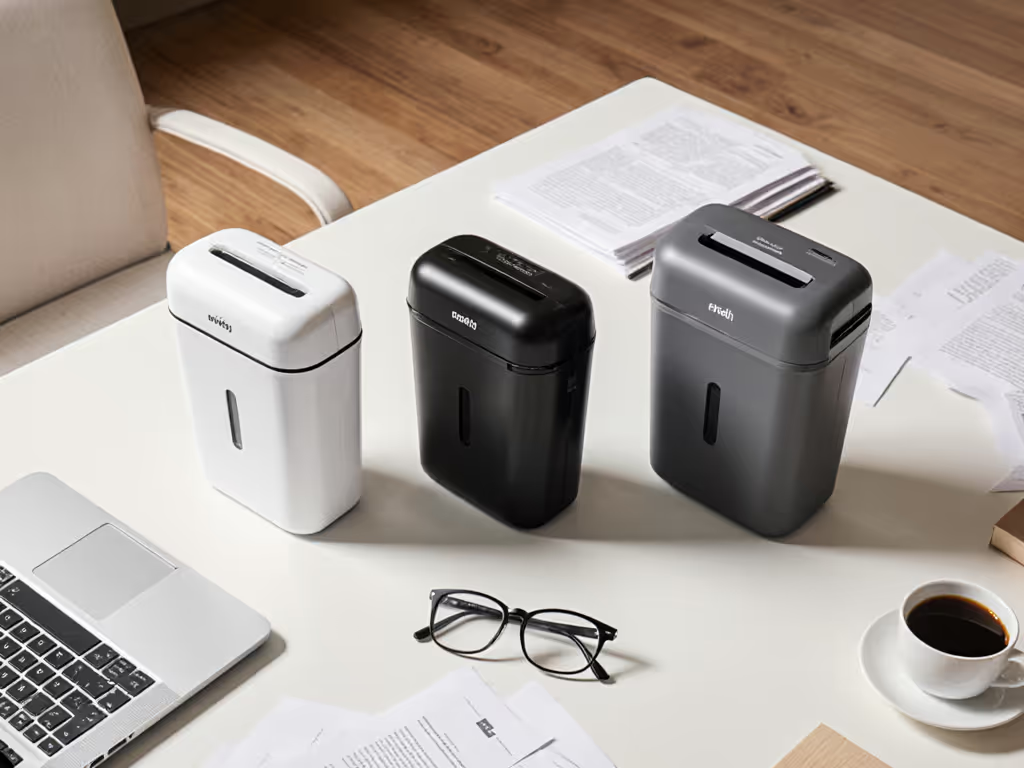
How to Choose the Right Budget Shredder for Your Needs
Assess your document sensitivity. Most personal and small-office use requires P-4 micro-cut, the minimum standard for financial statements, medical records, and identity-sensitive paperwork. P-5 and P-7 (military-grade) are overkill unless you're handling trade secrets or government contracts. All five models here meet P-4; you don't need to overspend for higher ratings you won't use.
Estimate your weekly volume. Count a typical week's worth of mail and documents that need shredding. If it's fewer than 50 sheets, the Amazon Basics or Bonsen is sufficient. If it's 100-200 sheets, the Aurora or Fellowes 62MC prevents the "I'll do this later" procrastination trap. If it's 300+ sheets, you're hitting the threshold where a budget shredder may start to feel slow; consider stepping into the mid-tier or consolidating shredding into monthly batches.
Prioritize quiet operation if you're in a shared space. All five models listed here run between 68-72 dB, which is acceptable in most environments. If you're in a studio apartment or open co-working space, the Tru Red or Aurora edge out the Fellowes slightly.
Factor in space constraints. The Amazon Basics and Bonsen are most portable; the Aurora and Fellowes 62MC require a dedicated station. If you're shredding monthly, portability is nice-to-have. If you're shredding weekly, a fixed station prevents setup friction and encourages consistency.
Plan for maintenance. None of these models demand heroic maintenance, but they do benefit from simple habits. For step-by-step care, see our shredder maintenance guide to prevent jams and extend lifespan. Oil the feed rollers every 30-50 uses, empty the bin before it's completely full, and respect cool-down periods. Low-fuss habits beat heroics when the bin hits full, and reliability comes from doing these small things consistently rather than buying the most expensive machine and ignoring it.
--
The Real Cost: Reliability Through Habit, Not Price
From my experience maintaining shared shredders on busy office floors, I noticed a pattern: the most reliable shredders weren't always the priciest. They were the ones used by teams that color-taped the feed guides, kept a simple oil schedule posted on a sticky note, and made sure people fed documents steadily rather than jamming in a week's worth at once. Jams dropped 80%. Cleanup got faster. Nobody dreaded bin day.
The best inexpensive paper shredder isn't the cheapest model; it's the one you'll actually use and maintain. A $50 Amazon Basics that sits on your desk and gets regular love will outperform a $300 "professional" machine gathering dust in a closet.
Each of the five models above offers micro-cut security, reasonable capacity, and durability when treated with basic respect. The choice comes down to your volume, space, and how much you value convenience features like auto-feed.
Small habits, big reliability: Choose a model that fits your volume and space, commit to a simple monthly oiling and emptying routine, and feed documents steadily rather than in bursts. You'll avoid the frustration and cost of early failure.
--
Your Next Step: Match Volume to Machine
Before buying, spend one week collecting the documents you'd normally shred. Don't overthink it, just set them aside. At the end of the week, count the sheets and note the material (mostly paper? Some cardstock? Credit cards? Bulky envelopes?). This real-world snapshot takes the guesswork out of capacity.
Use that baseline to match yourself to one of these five models:
- Under 50 sheets/week, apartment or tight space: Amazon Basics 8-Sheet
- 50-100 sheets/week, small home office: Bonsen 12-Sheet
- 100-200 sheets/week, want auto-feed: Aurora AU120MA
- 150-300 sheets/week, continuous office use: Fellowes 62MC
- Family or shared space, safety priority: Tru Red Micro-Cut
Once you've chosen, set a calendar reminder to oil the feed guides every 30 days and commit to emptying the bin before it hits capacity. That routine is your insurance against jams, overheating, and regret. Reliability doesn't come from the spec sheet; it comes from small, repeatable habits that respect the machine's design. And at these prices, you're not betting your paycheck on one purchase, you're choosing a dependable workhorse that won't drain your budget or patience.