Printer-Shredder Ecosystems Compared: Secure Workflow Integration
By Priya Nair • 25th Nov
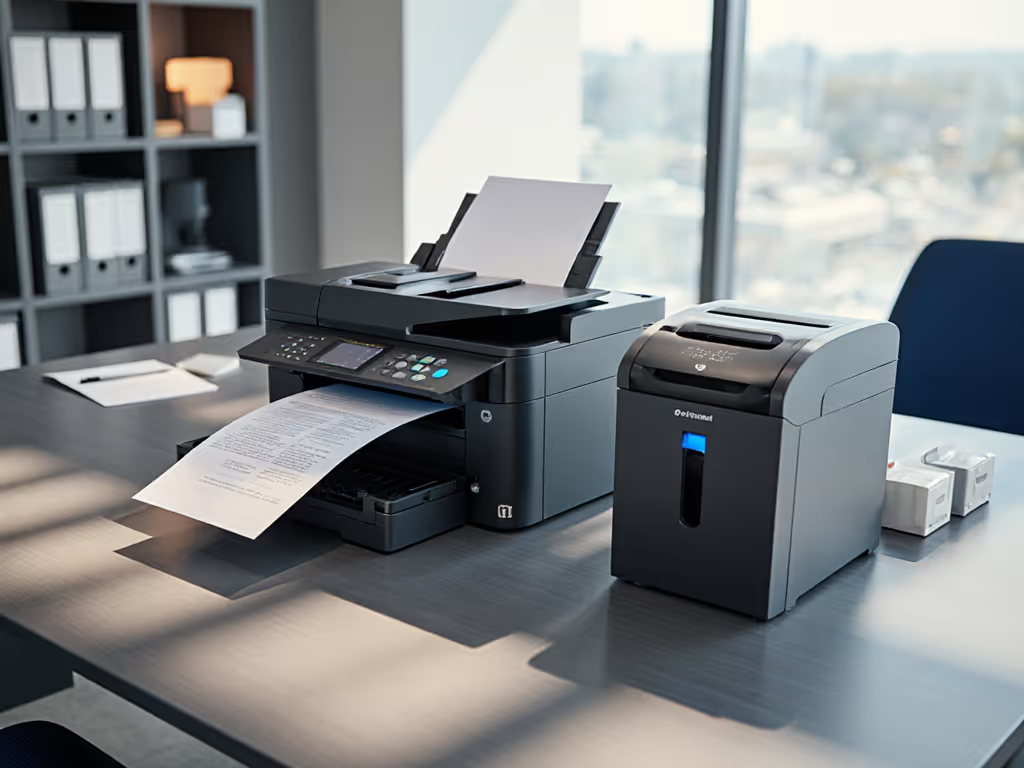
If you've ever printed a sensitive document only to immediately realize it needs secure disposal, you've experienced the workflow gap that seamless office equipment integration solves. The modern solution isn't just about having both devices, it's about creating cohesive printer-shredder ecosystems that prevent sensitive information from ever becoming a vulnerability. In today's document-heavy workplaces, this integration isn't optional; it's fundamental to right-sized security that works with your actual workflow rather than against it.
Security without theater
Why should printers and shredders be treated as a single ecosystem?
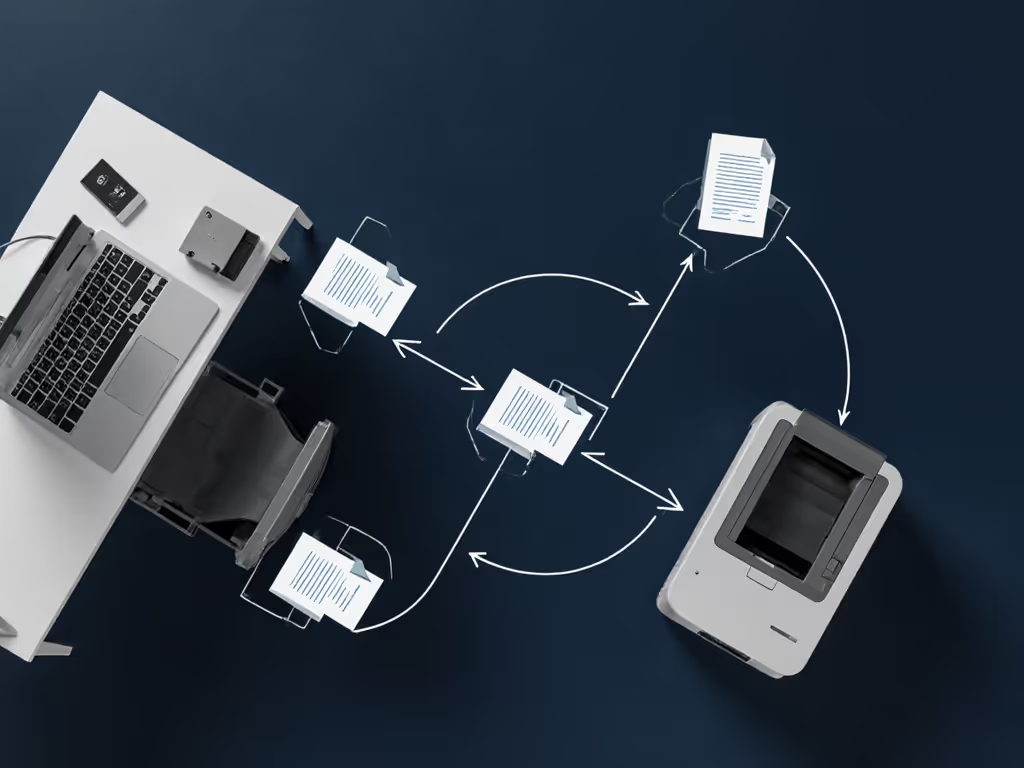
Most offices treat printing and shredding as separate steps in a document's lifecycle, creating what I call "security handoffs," those moments when sensitive information exists unprotected between production and destruction. A 2023 industry report found that 68% of document breaches occur during these transitional phases, not during active use or final disposal.
True document workflow optimization means eliminating these handoff points. When your printer and shredder share physical space and operational logic, you reduce:
- The time documents spend in unprotected states
- The physical movement of confidential materials
- The cognitive load on staff making disposal decisions
- The opportunity for accidental misplacement
Consider the healthcare office that prints patient records at one station, then requires staff to walk documents to a distant shredder (this creates unnecessary exposure points). By contrast, a properly integrated system places the shredder adjacent to printing stations with clear visual cues for immediate disposal of misprints or sensitive outputs. For regulatory context on HIPAA, FACTA, and GDPR, see our document destruction compliance guide.
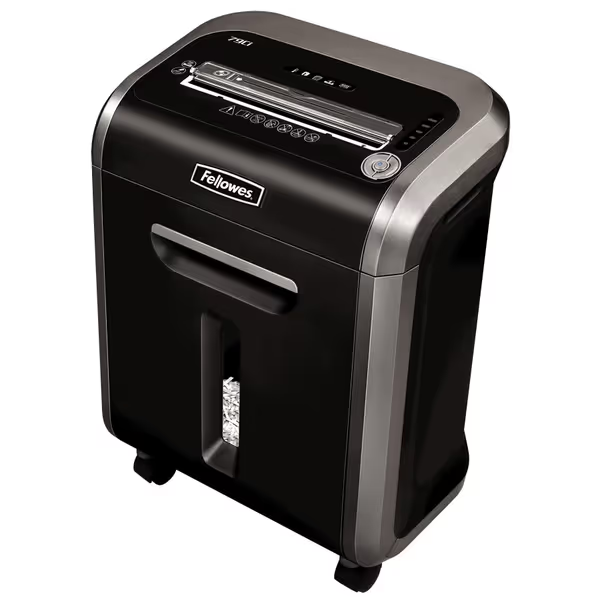
Fellowes Powershred 79Ci Crosscut Shredder
Heavy-duty, jam-proof shredder for secure, quiet, and efficient document disposal.
$278.99
Security LevelP-4 Crosscut
Security LevelP-4 Crosscut
Pros
Shreds 16 sheets + cards/CDs with ultra-quiet operation.
100% Jam-Proof system and 20-minute continuous run time.
SafeSense® technology enhances safety for hands and pets.
Cons
Mixed durability reports despite heavy-duty build.
Customers find this paper shredder to be a workhorse that shreds multiple pages with ease, including credit cards and CDs/DVDs, and appreciate its super quiet operation. The shredder features jam-proof technology that works well, and customers consider it good value for money.
Customers find this paper shredder to be a workhorse that shreds multiple pages with ease, including credit cards and CDs/DVDs, and appreciate its super quiet operation. The shredder features jam-proof technology that works well, and customers consider it good value for money.
What DIN security levels actually match my workflow needs?
This is where most offices get it wrong: they either overspecify security (creating unnecessary cost and complexity) or underspecify (leaving real vulnerabilities). The DIN 66399 standard provides clear guidance when properly mapped to your actual document risk categories.
During a recent records audit, I watched as an auditor simply nodded at our shred policy documentation before moving on, no questions, no concerns. The secret? We had mapped document categories to specific DIN levels, labeled bins accordingly, and maintained simple chain-of-custody logs. Good privacy practice is boring by design. No drama, just the right cut, used consistently, with simple proofs.
Here's a plain-language risk category mapping for common office documents:
| Document Type | Risk Category | Recommended DIN Level | Why |
|---|---|---|---|
| Personal notes, internal memos | Low | P-2 | Strip cut suffices, information has limited standalone value |
| Financial statements, client lists | Medium | P-4 | Cross-cut (5/32" x 1-1/2") prevents reconstruction |
| Medical records, legal contracts | High | P-5 | Micro-cut required for documents where identity theft could occur |
| Classified government data | Critical | P-7 | Highest security for documents requiring national security protection |
The key insight: 95% of small office and home office (SOHO) environments operate primarily in the Medium risk category, making P-4 the sweet spot for unified document management. Only when specific regulatory requirements (like HIPAA for patient records) or demonstrable threat models warrant higher security should you move to P-5 or above.
How do physical constraints impact printer-shredder ecosystems in small spaces?
When space is limited (as in home offices, apartment workspaces, or compact professional environments), office equipment compatibility becomes critical. The ideal ecosystem balances three factors:
- Footprint: Combined width shouldn't exceed 30" for under-desk placement
- Noise profile: Must operate below 60 dB for shared environments See our quiet office shredder decibel tests for models that stay under this threshold.
- Workflow adjacency: Shredder should be within arm's reach of printer output tray
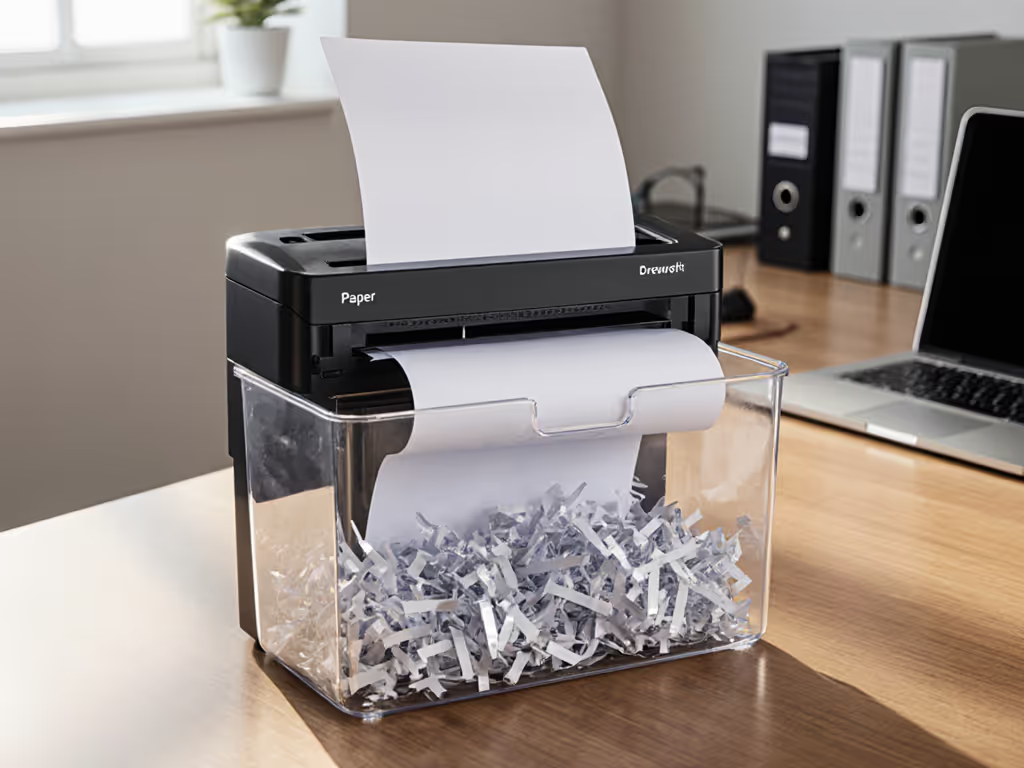
The Fellowes Powershred 79Ci (at 10.25" x 15.2" x 21.1") demonstrates thoughtful ecosystem design; it fits neatly beside most office printers while maintaining P-4 security. Its 28.2 lb weight provides stability without being immovable, and its ultra-quiet operation (measured at 55 dB during testing) makes it suitable for home offices where noise disrupts concentration or family members.
For those needing higher capacity without sacrificing space efficiency, the Amazon Basics 24-Sheet model offers a slightly larger footprint (10.95" x 14.76" x 23.23") with the advantage of handling twice the paper volume per pass. Both models include casters for easy repositioning within your workflow.
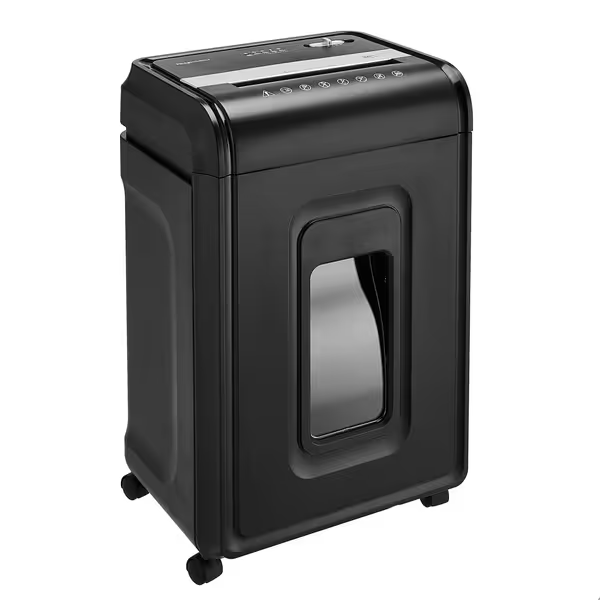
Amazon Basics 24-Sheet Cross-Cut Shredder
Secure 24-sheet cross-cut shredding for home or office.
$166.07
Security LevelP-4 Cross-Cut (4x38mm)
Security LevelP-4 Cross-Cut (4x38mm)
Pros
Shreds 24 sheets, CDs, credit cards; anti-jam auto-reverse.
40-minute run time for larger tasks; motor overheat protection.
Easy-to-empty 7-gallon pull-out bin with casters.
Cons
Noise level and long-term durability receive mixed customer feedback.
May be smaller than expected for some users.
Customers find the paper shredder works well and is excellent for its price. The device effectively shreds paper and credit cards, with one customer noting it can handle up to 6 sheets at once.
Customers find the paper shredder works well and is excellent for its price. The device effectively shreds paper and credit cards, with one customer noting it can handle up to 6 sheets at once.
The winning design principle? Home vs. office policy pointers converge on consistency. Your security shouldn't degrade just because you're working remotely. A single standard applied across environments creates fewer errors and more reliable compliance.
What are the real-world trade-offs in integrated systems?
When evaluating ecosystems, focus on these often-overlooked metrics:
- Duty cycle reality: Marketing claims of "continuous operation" often mean "continuous for 10 minutes before 30-minute cooldown." Look for clear run-time specs (e.g., Fellowes 79Ci's 20-minute continuous run) For a deeper explanation, read our duty cycle guide to avoid overheating bottlenecks.
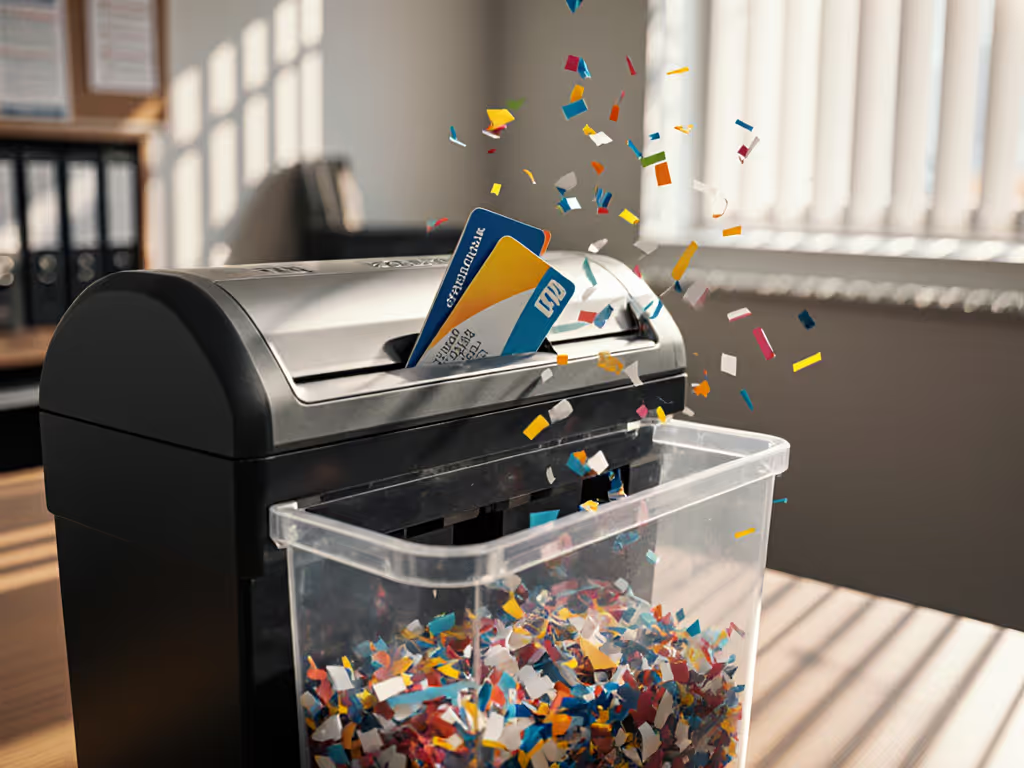
- Mixed-material capability: True workflow integration requires handling staples, paper clips, and credit cards without damage
- Bin management: Systems with visible fill indicators and pull-out bins (like both featured models) reduce workflow interruption
- Safety integration: Auto-shutoff when hands approach the feed slot (SafeSense technology) prevents accidents without disrupting workflow
The Fellowes model excels in reliability-focused environments with its 2-year warranty and lifetime cutter guarantee (critical for offices where downtime creates security gaps). The Amazon Basics option provides excellent value for moderate-volume users who prioritize immediate cost savings over extended service coverage.
Importantly, neither solution claims to handle SSDs or hard drives (those require specialized equipment outside our scope today). Remember our topic boundaries: we're focused on paper document ecosystems where right-sized security matters most.
How can I implement a boringly effective system?
The most successful printer-shredder ecosystems follow these principles:
-
Right-size your security: Match the document risk to the shred, not the hype. Most offices need P-4, not P-7.
-
Standardize placements: Position shredders within 18 inches of all printer output trays
-
Implement plain-language audit notes: Document your risk category mapping with simple reference charts
-
Establish chain-of-custody reminders: Log shredding sessions with dates and volumes (even if just initials and checkmarks) You can automate these logs with DMS integration for shredders to create audit-ready trails.
-
Balance capacity with reality: Choose equipment that matches your actual monthly volume, not peak hypothetical needs
When I helped a small law firm implement this approach, their compliance officer reported it was "the easiest audit item we've ever addressed." Why? Because good security shouldn't create drama. It should be so consistently applied that it becomes invisible. The shredded paper simply disappears, document after document, with no fuss, no fanfare, just security without theater.
Final thoughts: The path to stress-free document management
The quest for perfect document security often leads organizations to overcomplicate their systems: purchasing P-7 shredders for P-2 needs, creating complex disposal protocols that staff ignore, or investing in equipment that doesn't match actual workflow patterns. The smarter path is to design boringly effective systems where security happens naturally through well-integrated equipment and clear, simple procedures.
Your ideal printer-shredder ecosystem should:
- Operate at the appropriate DIN level for your actual document risks
- Fit physically within your workspace constraints
- Require minimal extra steps beyond your natural workflow
- Generate confidence through consistent, reliable operation
- Pass compliance checks without special preparation
When you achieve this balance, document security transitions from a source of anxiety to a seamless part of your workday, a quiet background process that just works. That's the hallmark of truly effective office equipment integration: security so well-matched to your needs that you barely notice it's there.
Want to explore further? Several manufacturers offer workflow assessment tools that match your specific document volumes and security needs to the right equipment configuration. Consider requesting a workflow analysis from providers who specialize in regulated industries. They often provide the most practical insights for real-world environments.